Designing your app
The App Dashboard’s core components for building and styling your app.
Updated April 6, 2022
In the first lesson you learned what MobAppCreator is, how the App Dashboard is laid out and how to preview your app. Now let’s look at the components you’ll use to build and manage it.
Style
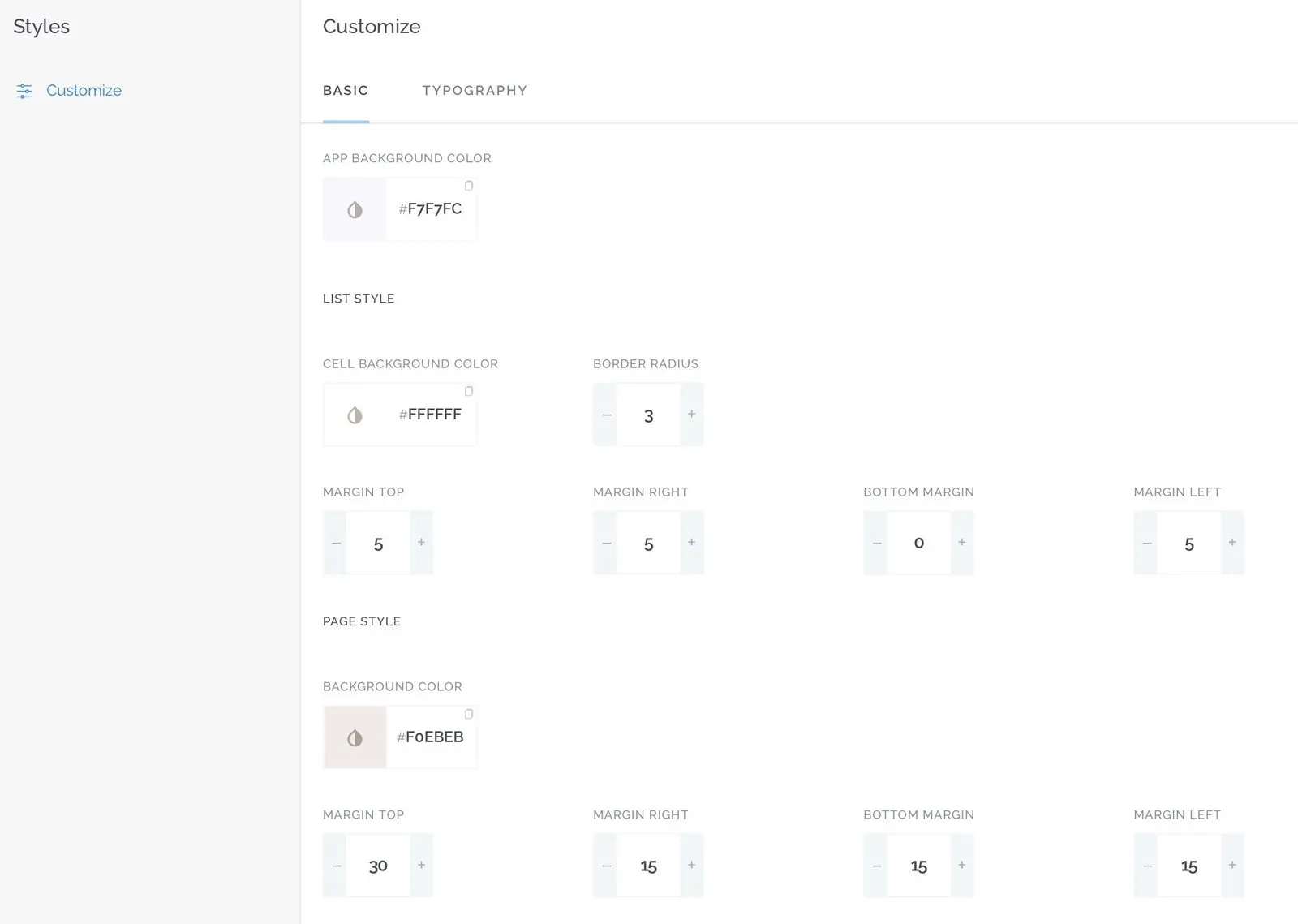
The Style section is where you control the design of your app.
Basic and Typography sets the overall branding of your app. Here you can:
- Change your app’s background color
- Change the typography of each element
- Change the overall design of list cells
- Change your app’s margins
- Change the colors and fonts used across your app
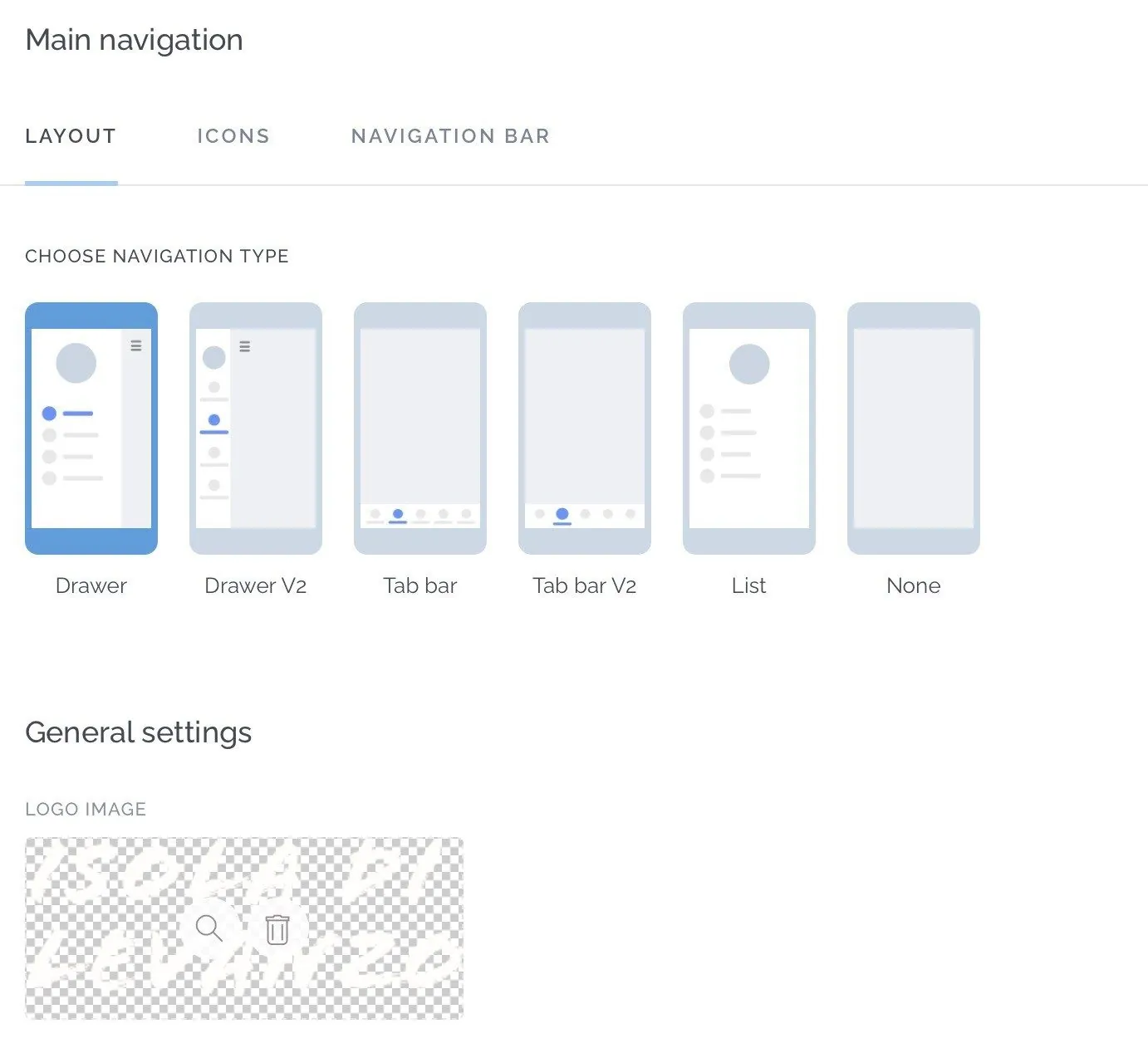
Main navigation menu controls your app’s menu. Here you can:
- Choose the menu style
- Adjust how the menu is displayed
- Add your logo, a background and more to the menu
- Choose icons from our library or upload your own
Messaging
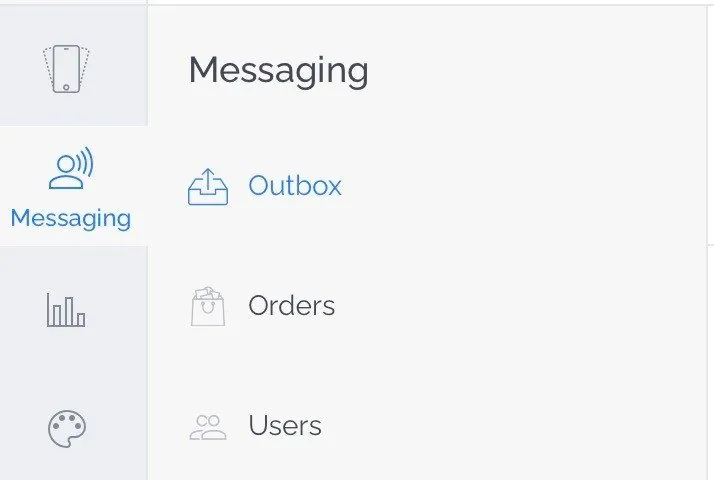
This is where you interact with your customers:
- Outbox is where you send push notifications.
- Orders holds your customers’ orders if you use eCommerce.
- Users lists your registered users.
Analytics
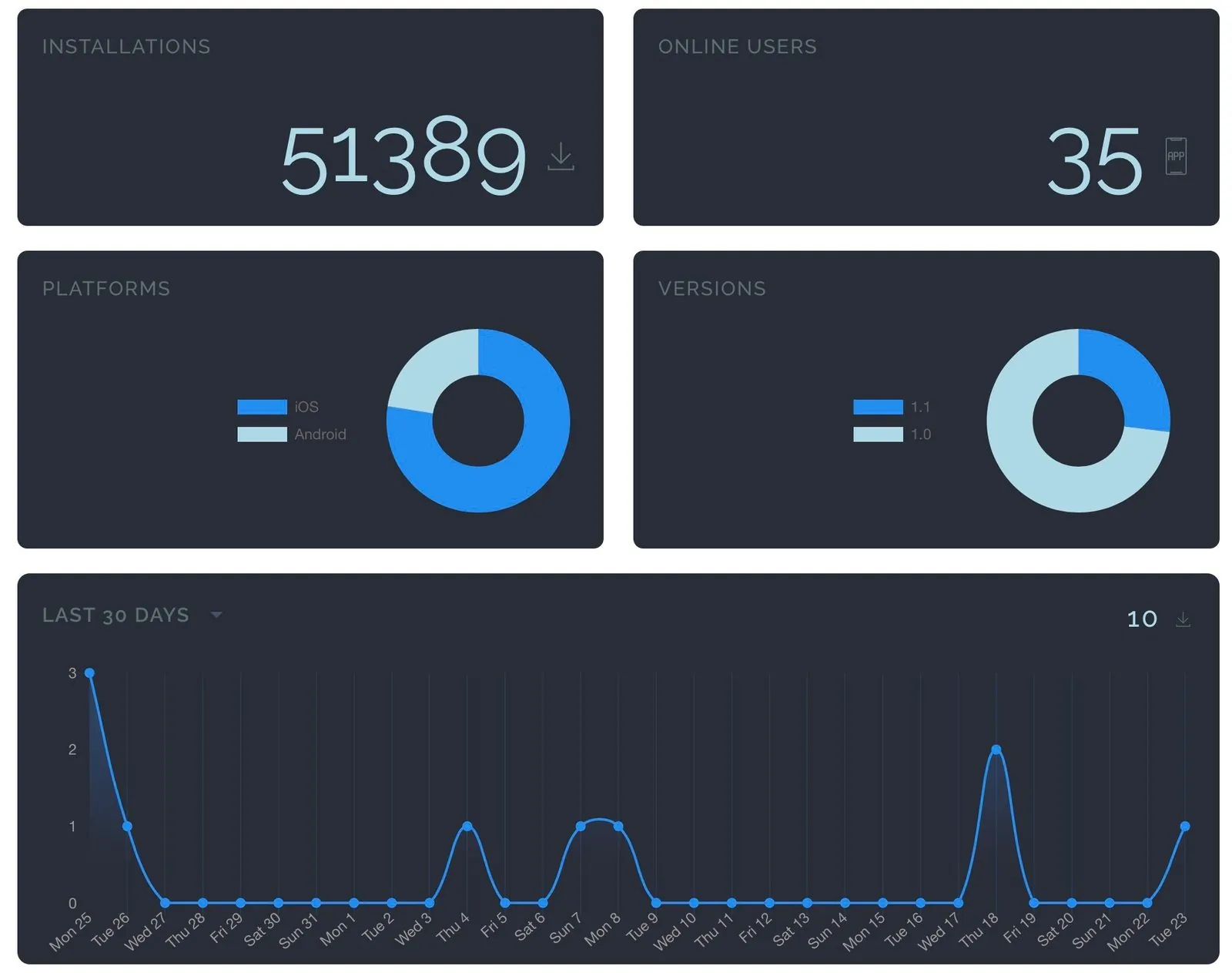
Analytics shows your app’s key performance indicators, the information you need to plan your marketing and promotion.
Still need help?
Our team is happy to walk you through it.