Monetize your app with AdMob
Earn money by showing Google AdMob banner ads in your app.
Updated April 6, 2022
Show banner ads from Google AdMob in your app and earn money from your audience. Monetization is available on the Professional plan and above.
- 1
Sign up for AdMob
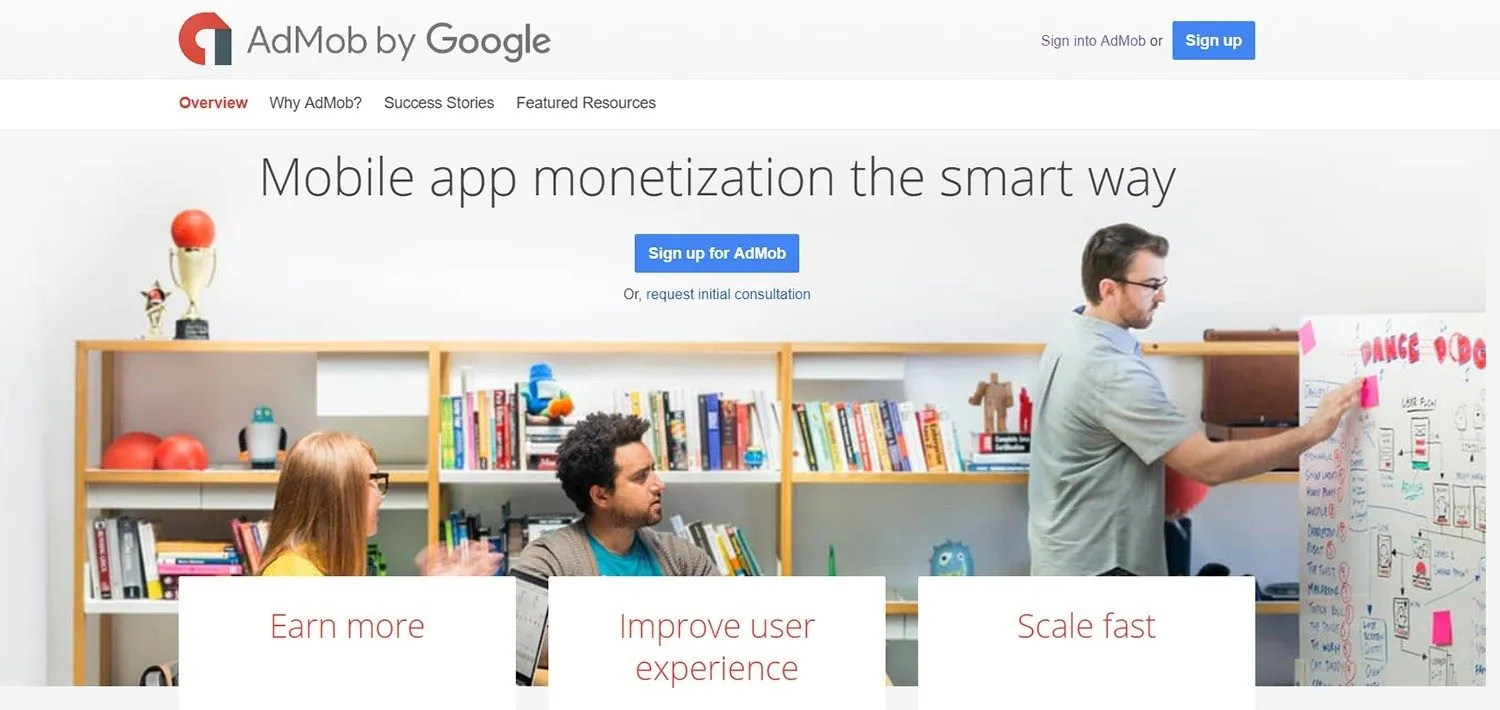
Go to apps.admob.com and sign up with your Google account. Fill in the required details and click Get started.
- 2
Set your preferences
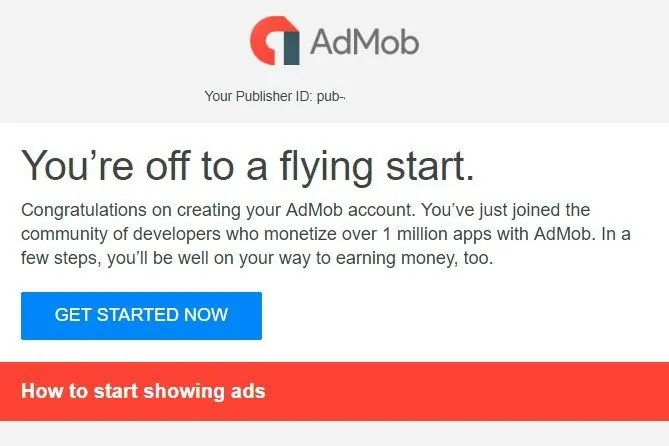
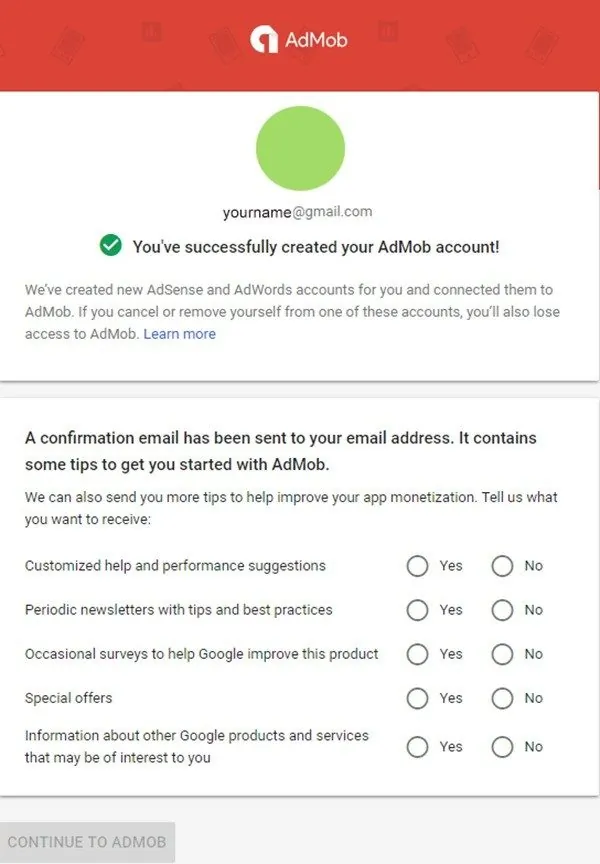
AdMob sends a confirmation email and asks which tips and notifications you want to receive.
- 3
Add your app
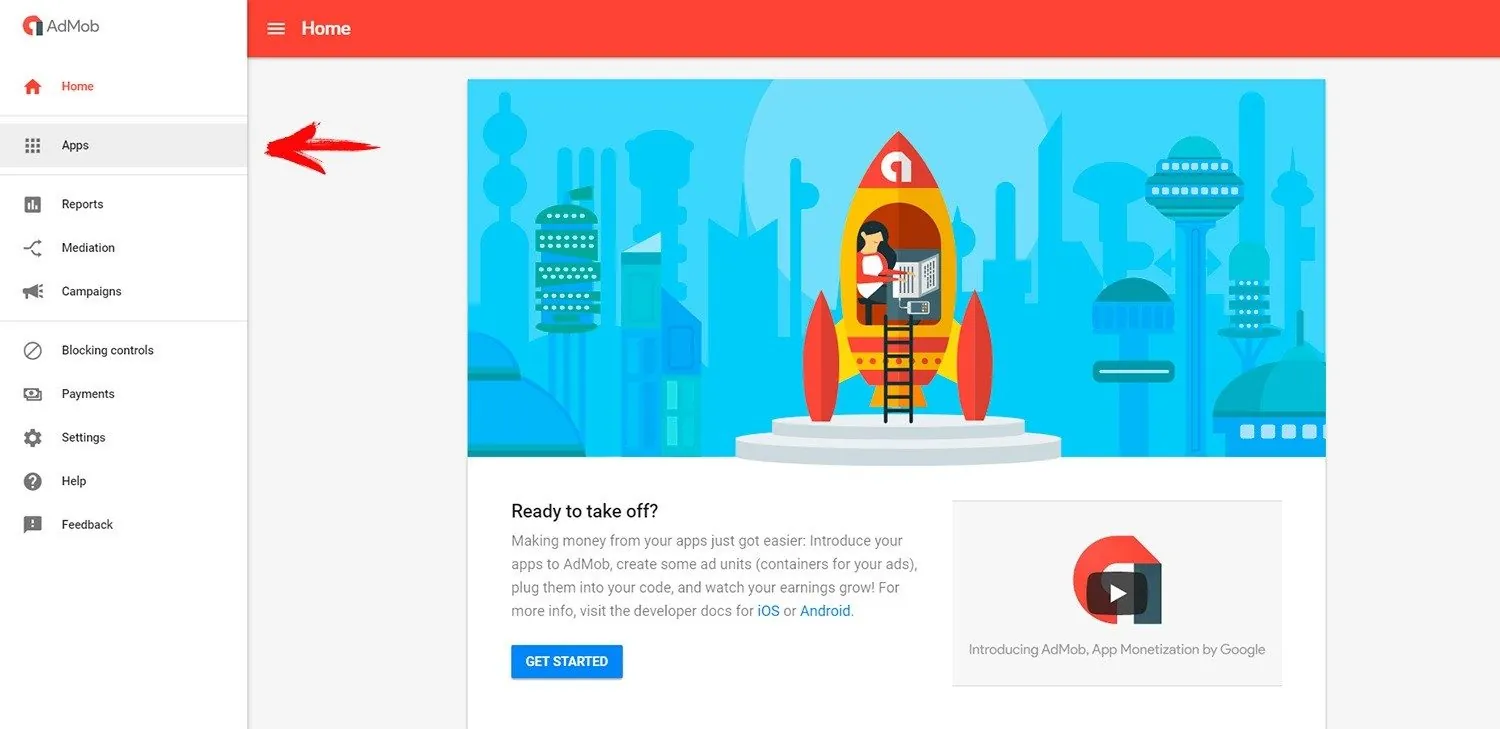
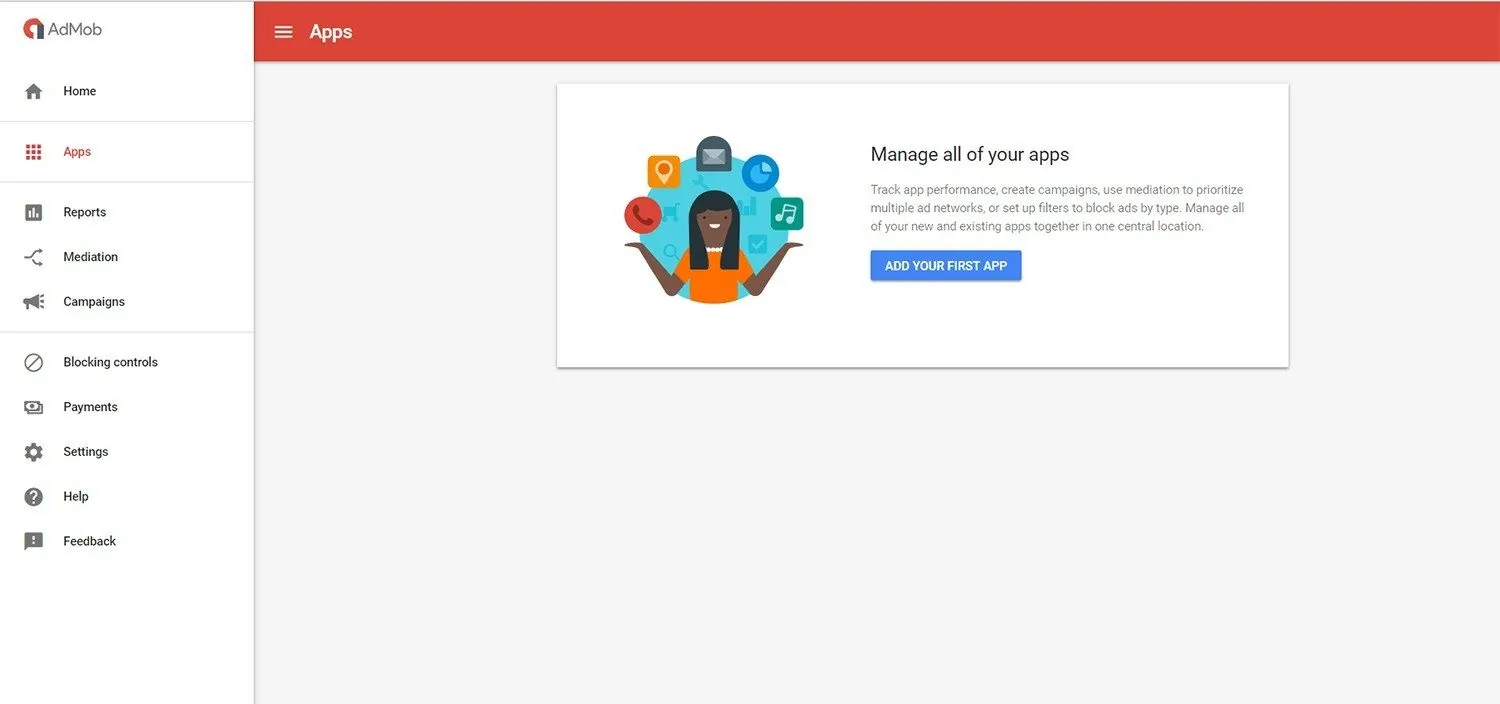
Go to Apps and click Add your first app (or Add app).
- 4
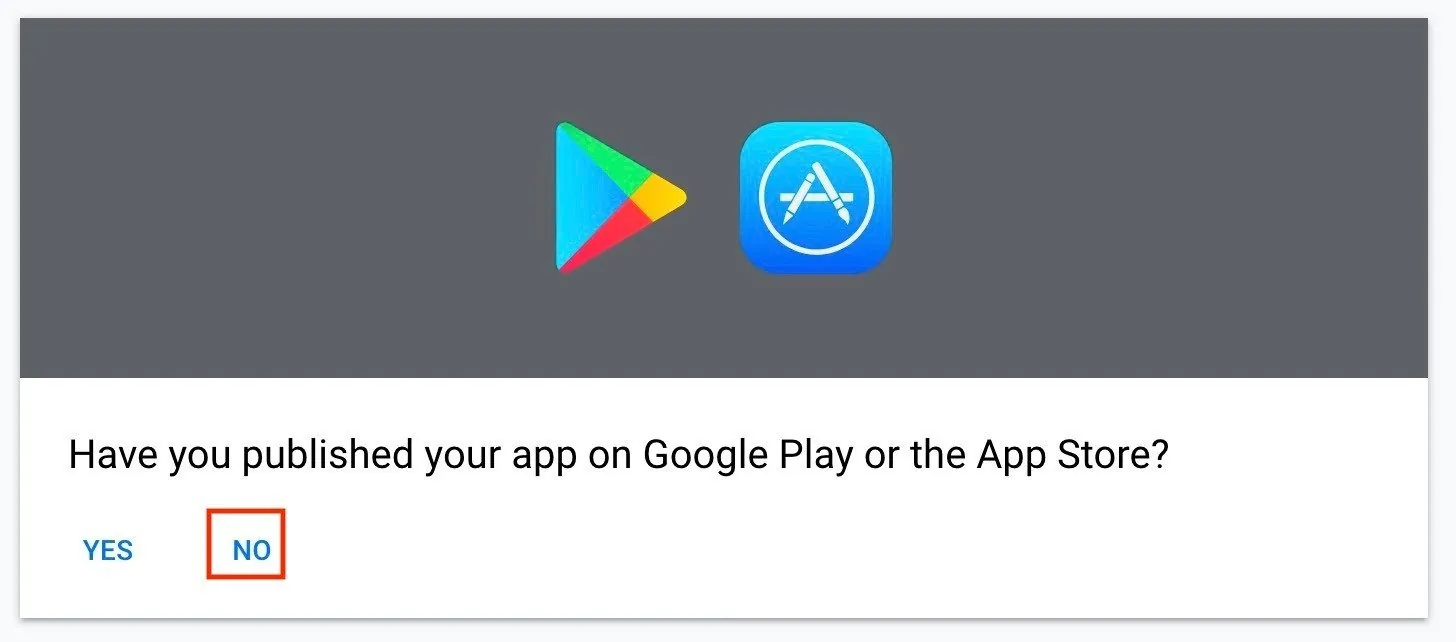
Answer “Is your app published?”
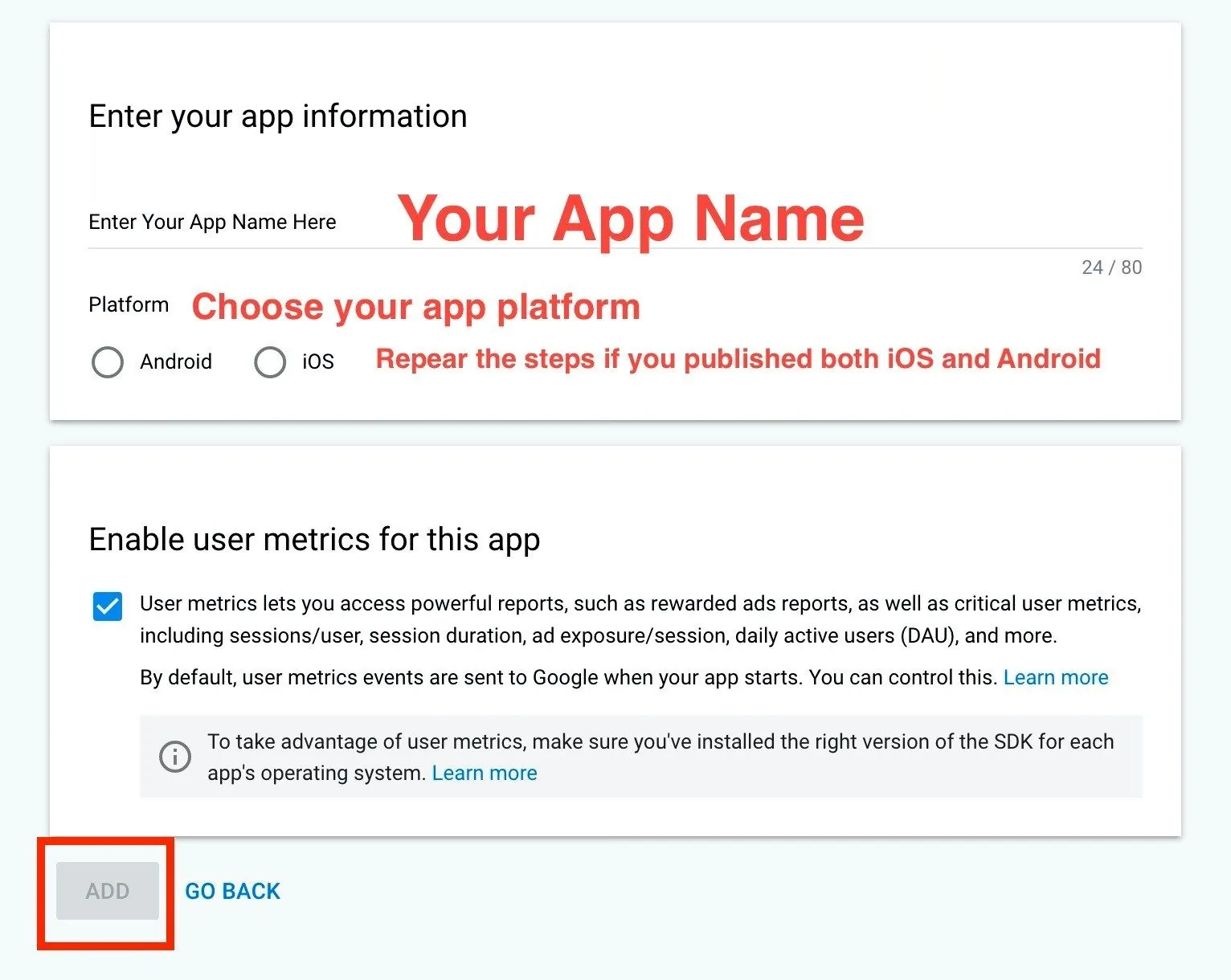
Choose No, then enter your app name and select the platform. Repeat steps 3 to 7 for each platform if you publish on both iOS and Android.
- 5
Create an ad unit
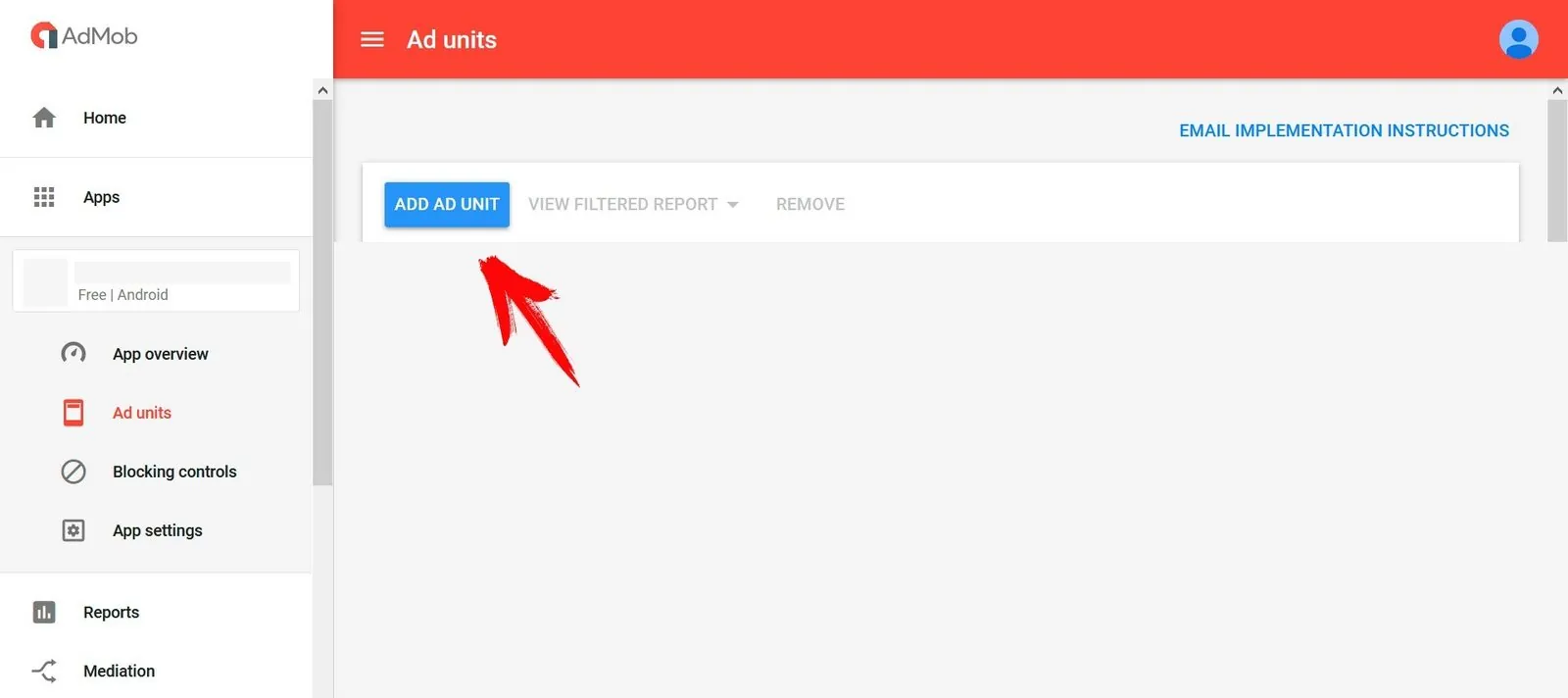
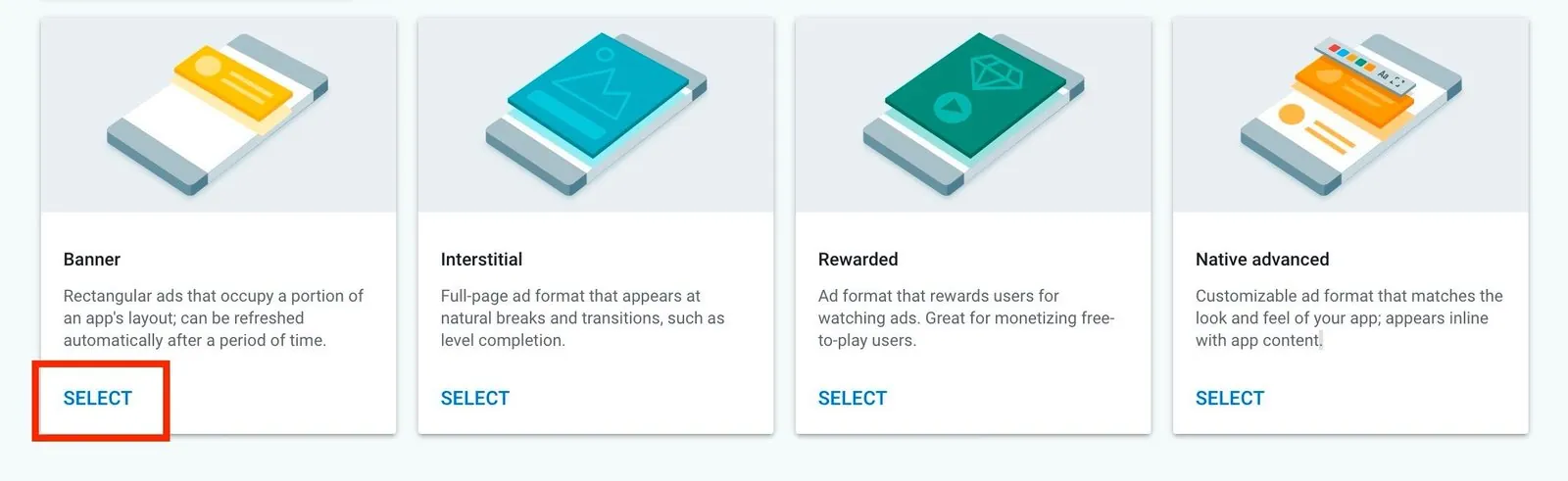
Click Add ad unit and choose Banner, the only format we support.
- 6
Configure the banner
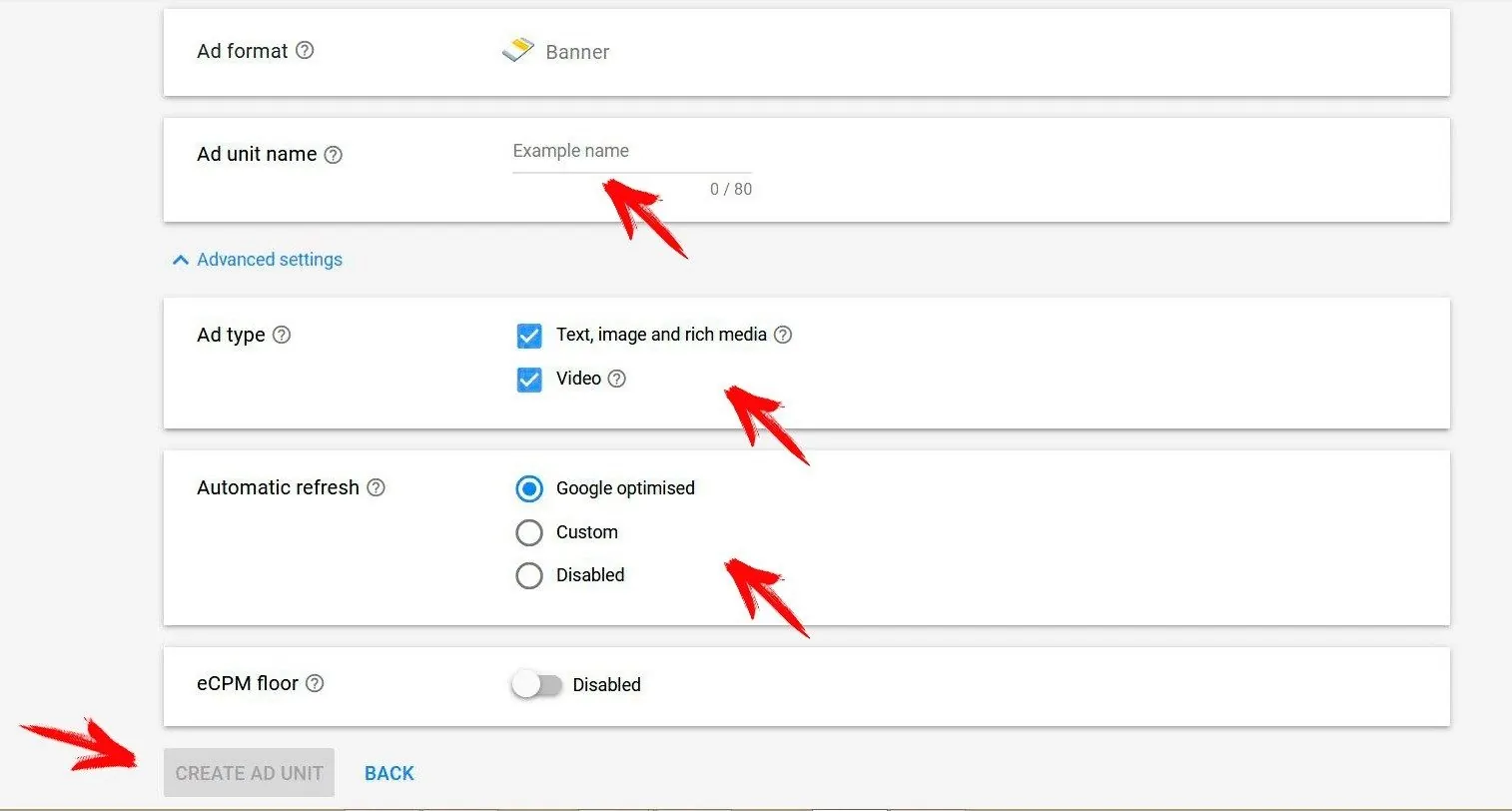
Name the ad unit. Under ad type, select all options to maximize earnings. Leave automatic refresh off; we’ve already tuned the refresh interval. Click Create ad unit.
- 7
Save your IDs
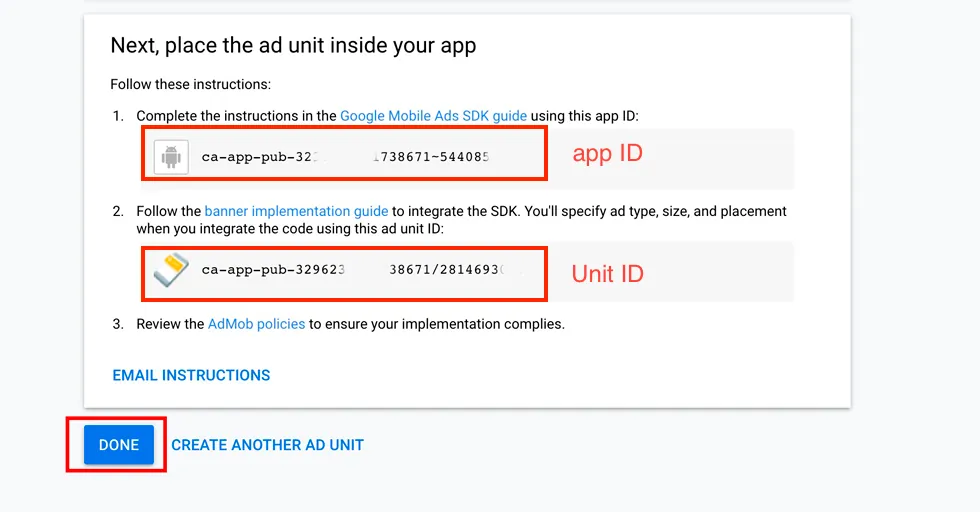
Copy the App ID and Ad unit ID, then click Done.
- 8
Add them to MobAppCreator
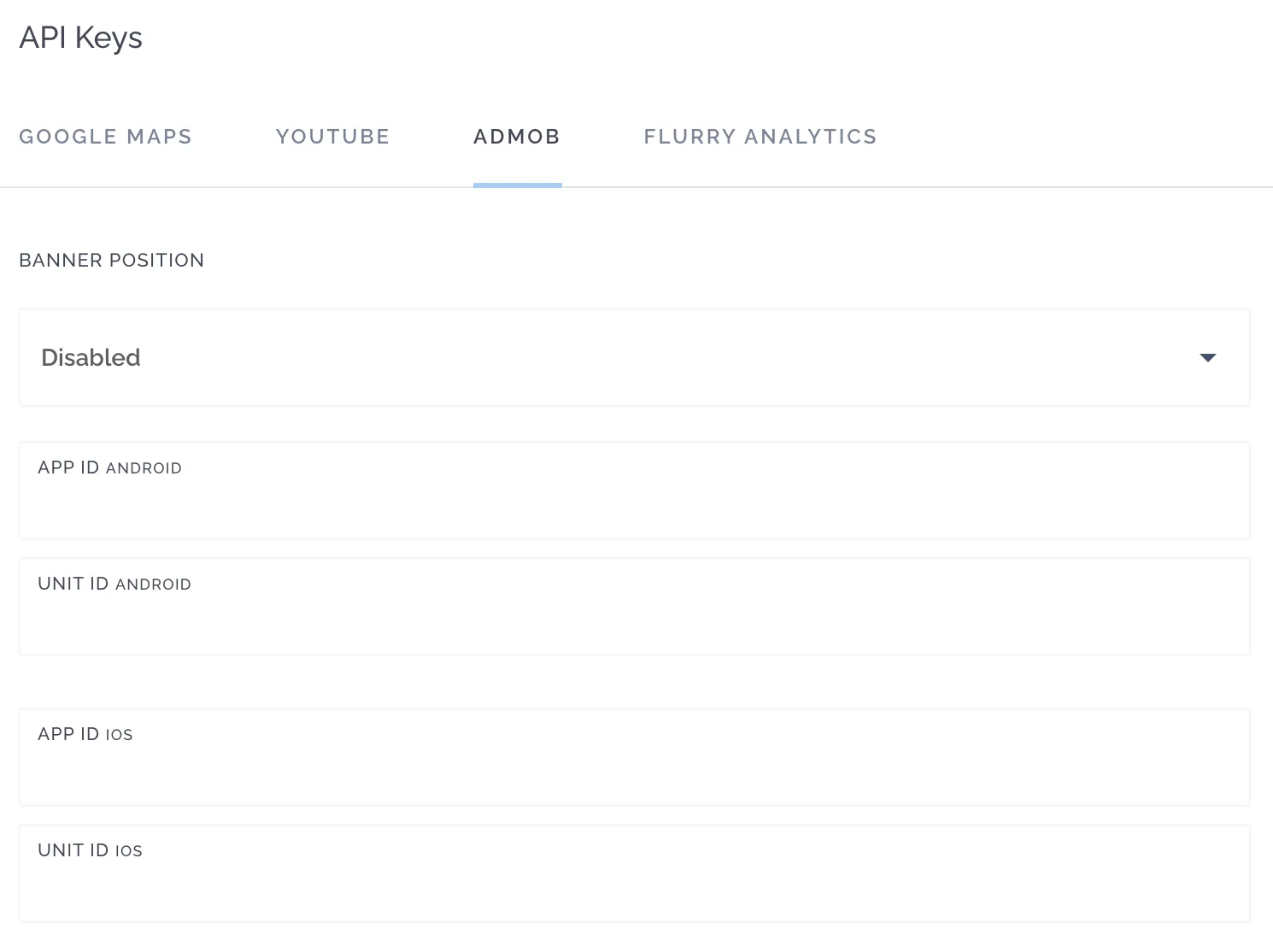
In the App Dashboard, go to Settings → Integrations / API Keys → AdMob and paste your IDs for each platform.
Still need help?
Our team is happy to walk you through it.