Rearrange your app’s screens
Change the order of screens in your app.
Updated April 6, 2022
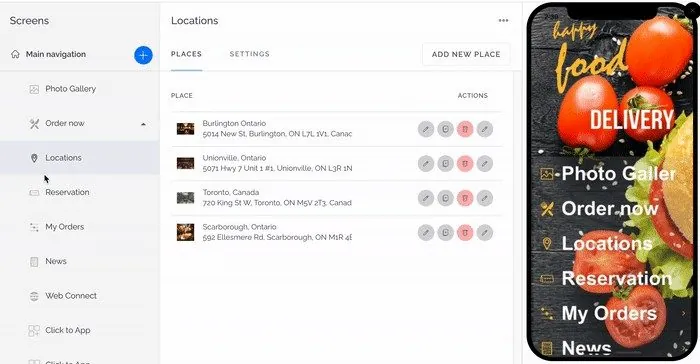
Your app’s screens are shown as a tree under Main navigation. Each item is a screen or a submenu.
To change the order, drag a screen up or down the tree. Your app updates to match.
Still need help?
Our team is happy to walk you through it.