Let users register in your app
Add sign-in and choose which screens require it.
Updated April 6, 2022
Letting users register creates a more engaging experience, and you decide exactly who can see what: your whole app or just some sections.
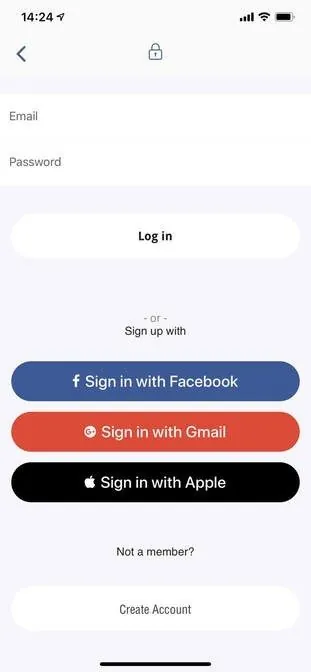
- 1
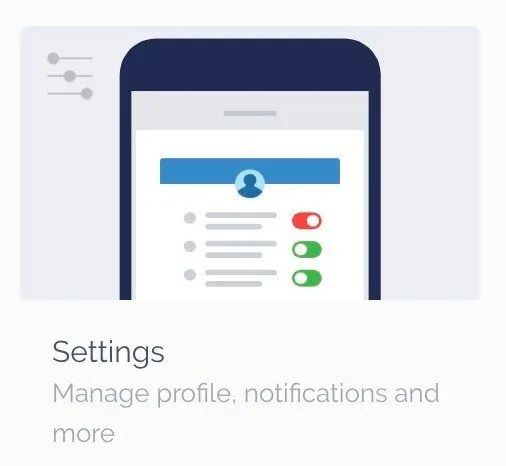
Add the Settings screen
Add the Settings screen from the screen library.
- 2
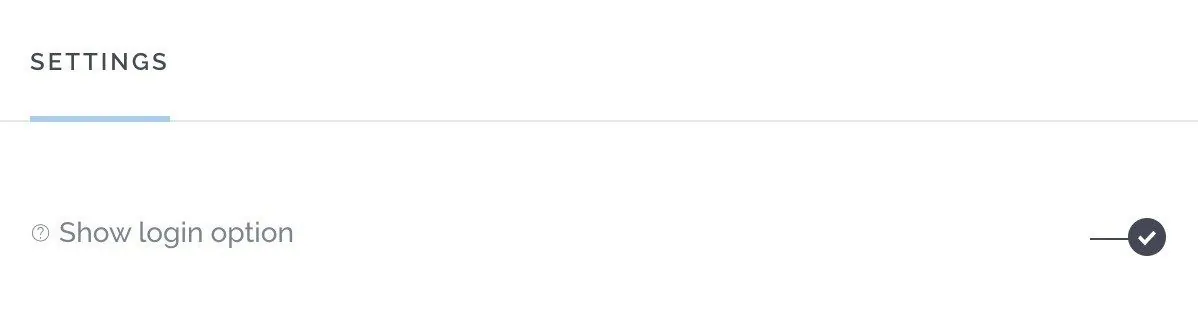
Turn on login
In the Settings screen, switch on Show login option.
- 3
Choose protected screens
Go to Settings → Security → Protected Screens and select the screens that require sign-in.
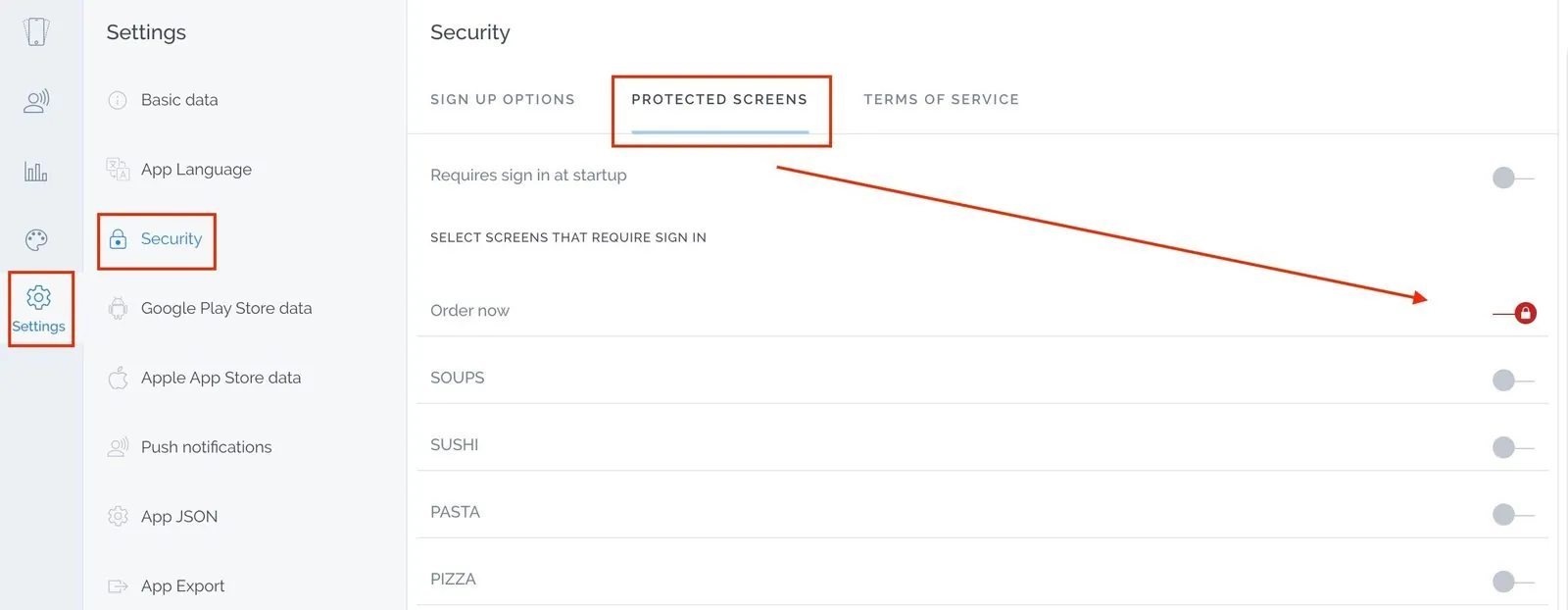
You can also select Requires sign in at startup to make everyone sign in before seeing any content.
We don’t recommend requiring sign-in for everything. People can’t try your app before registering, which can hurt your reviews, and the stores discourage it.
Next, choose which sign-in methods to offer.
Still need help?
Our team is happy to walk you through it.