Add custom elements to your articles
Extend articles with events, galleries, maps, video and more.
Updated April 6, 2022
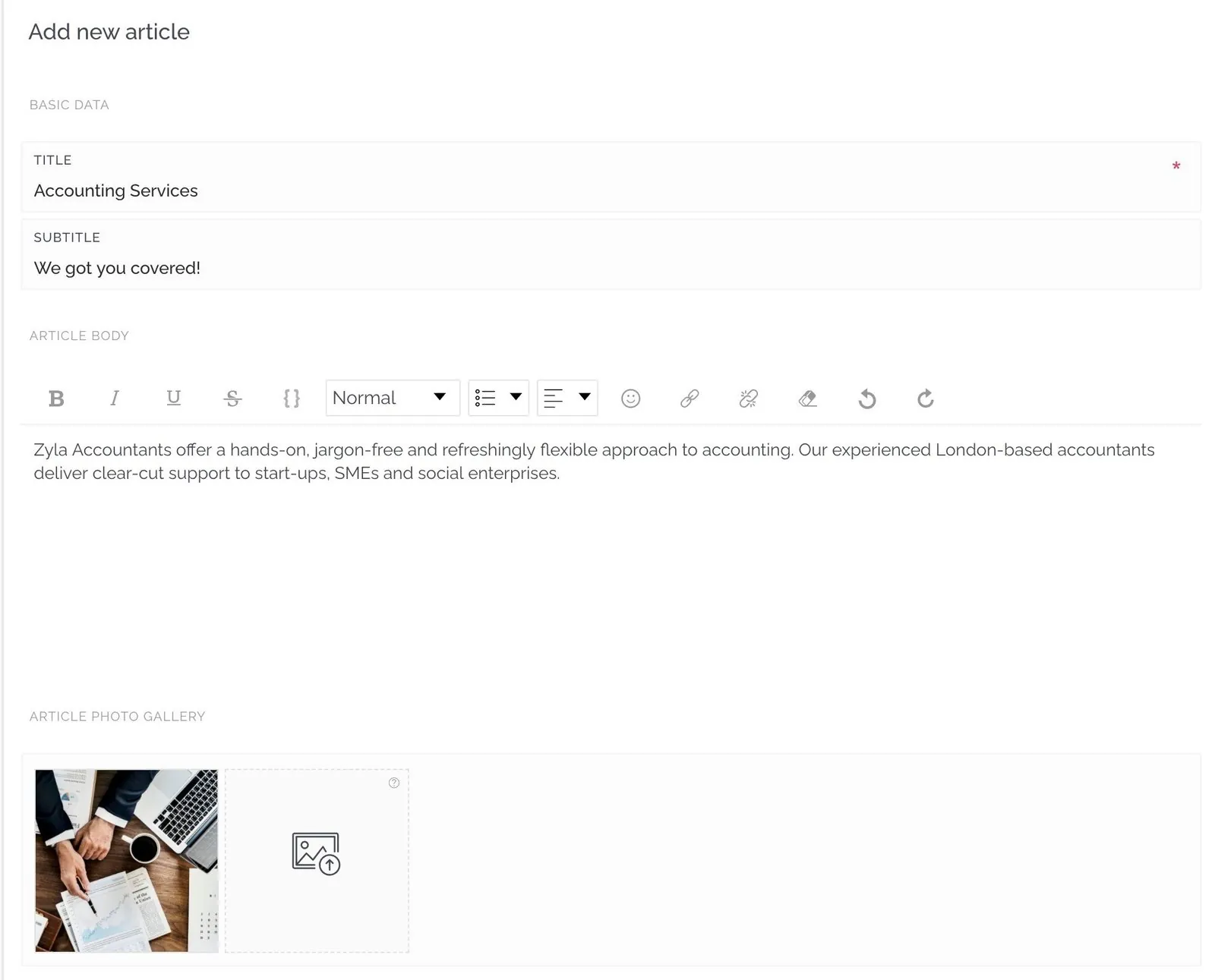
Articles are a quick, flexible way to show news, services, products and more. Besides the title, subtitle, description, images and tags, you can add many other elements. Scroll to the bottom of an article and click Add element:

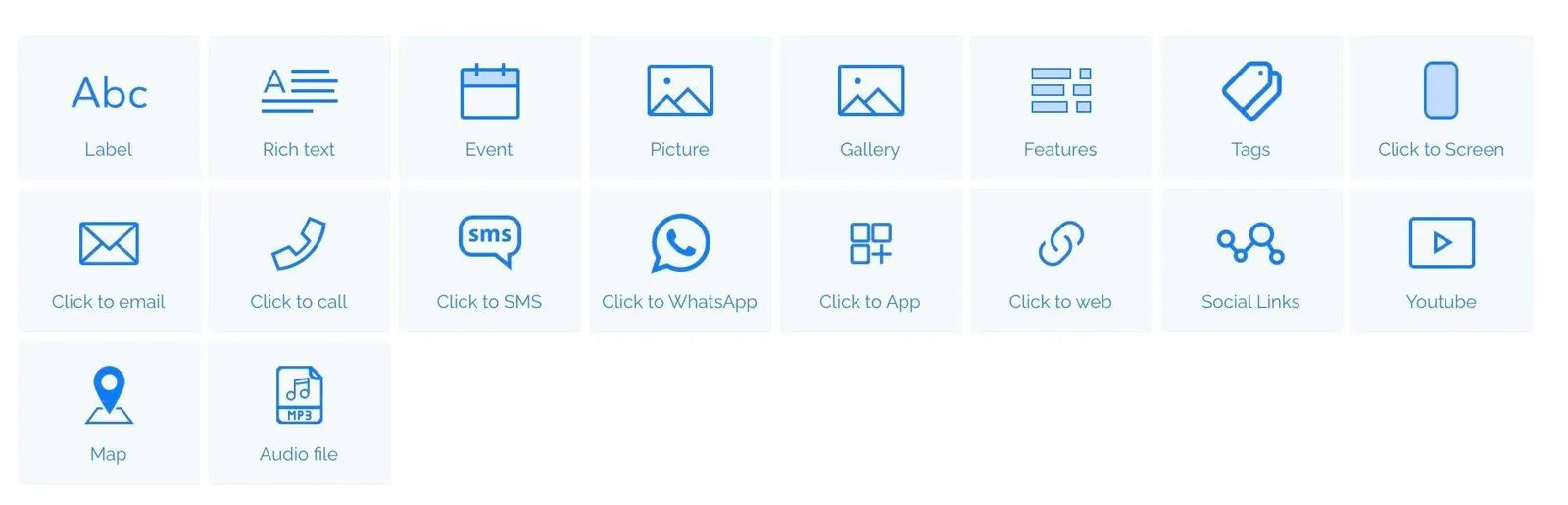
- Label: a heading to separate sections of your article.
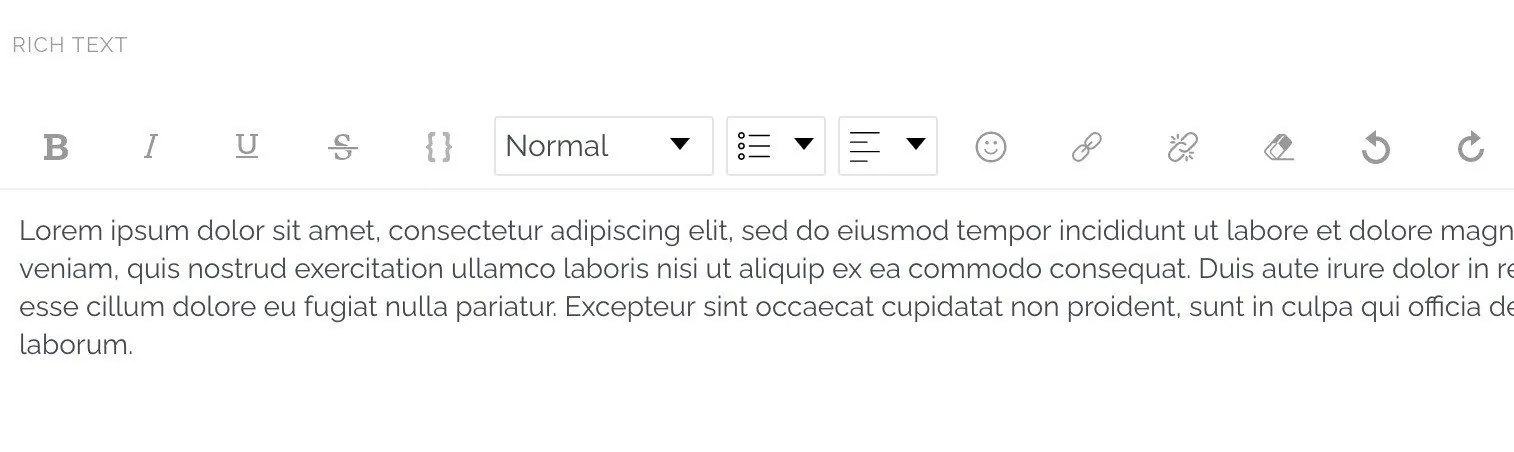
- Rich text: additional blocks of text.
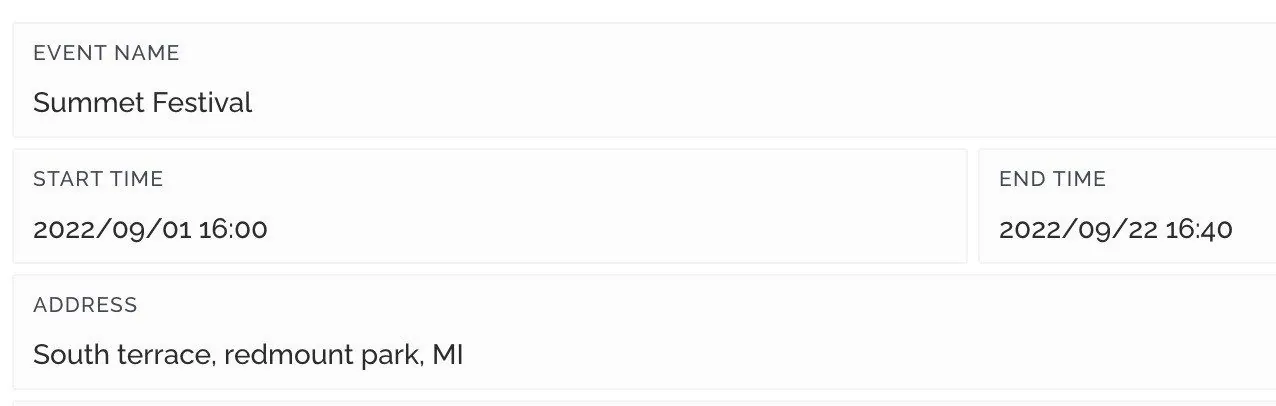
- Events: an event with a start date that users can add to their calendar in one tap.
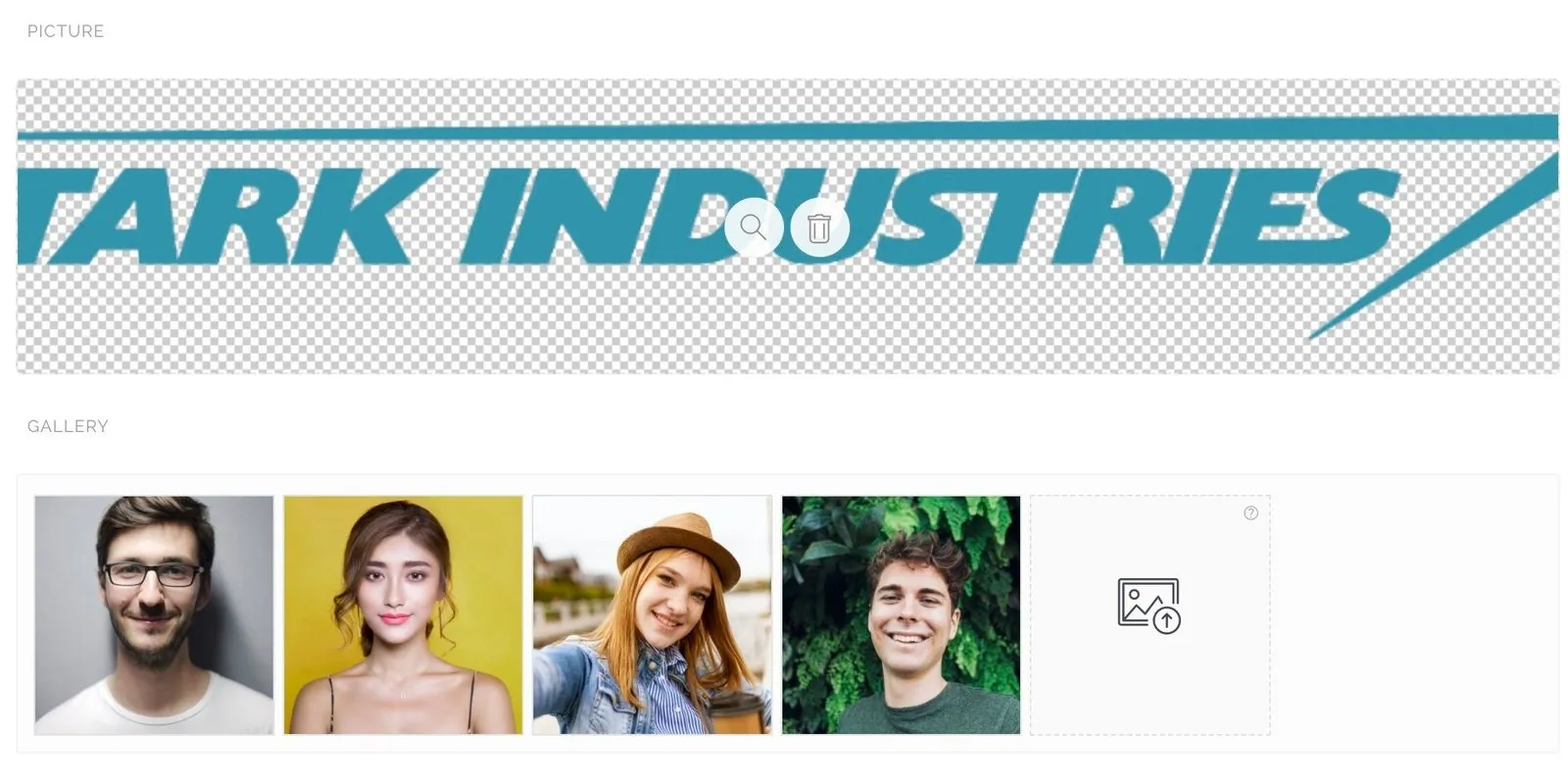
- Pictures and gallery: one or several images.
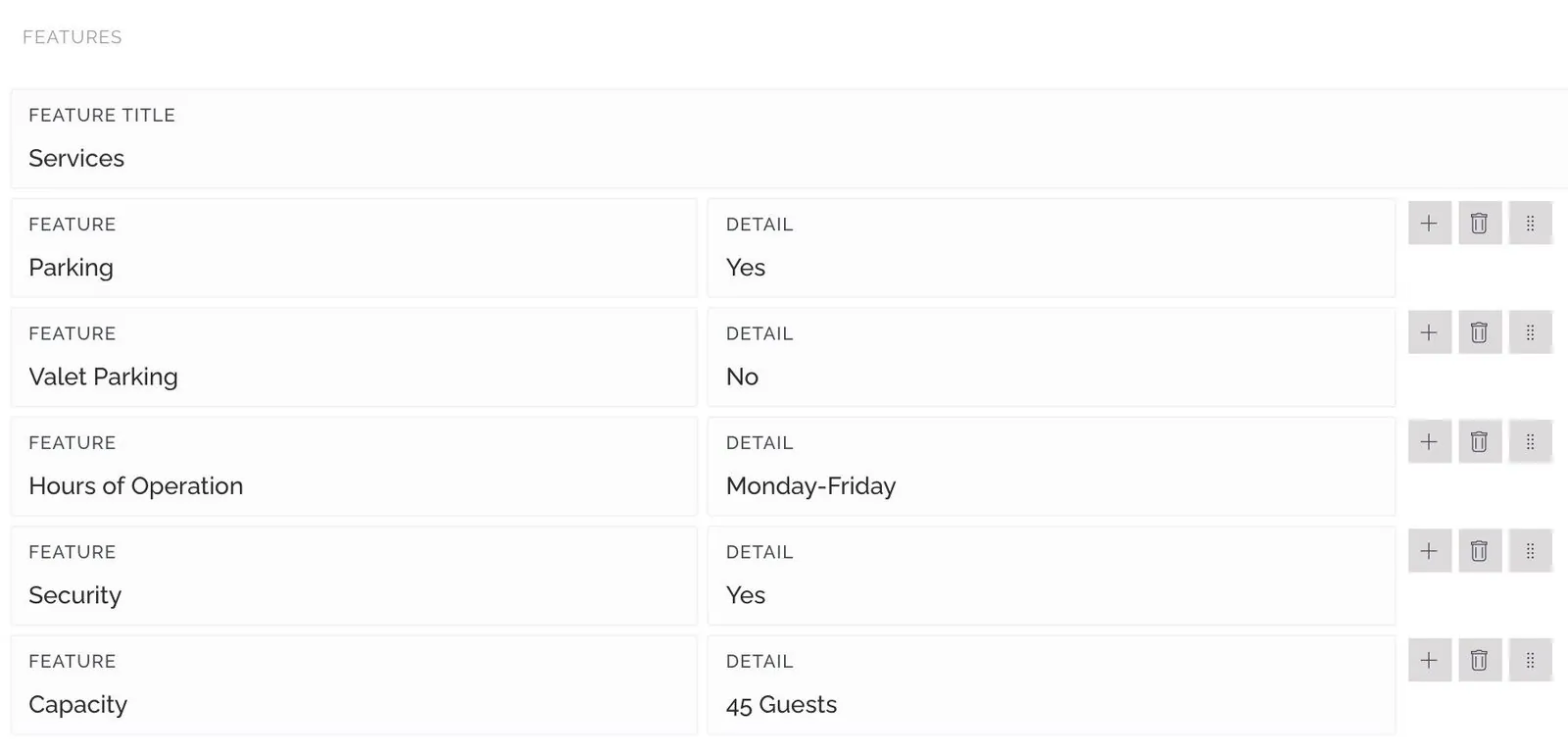
- Features: a list of properties or highlights.
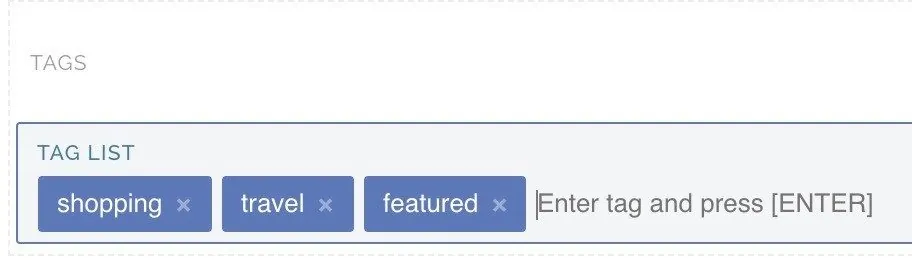
- Tags: labels to categorize your articles.
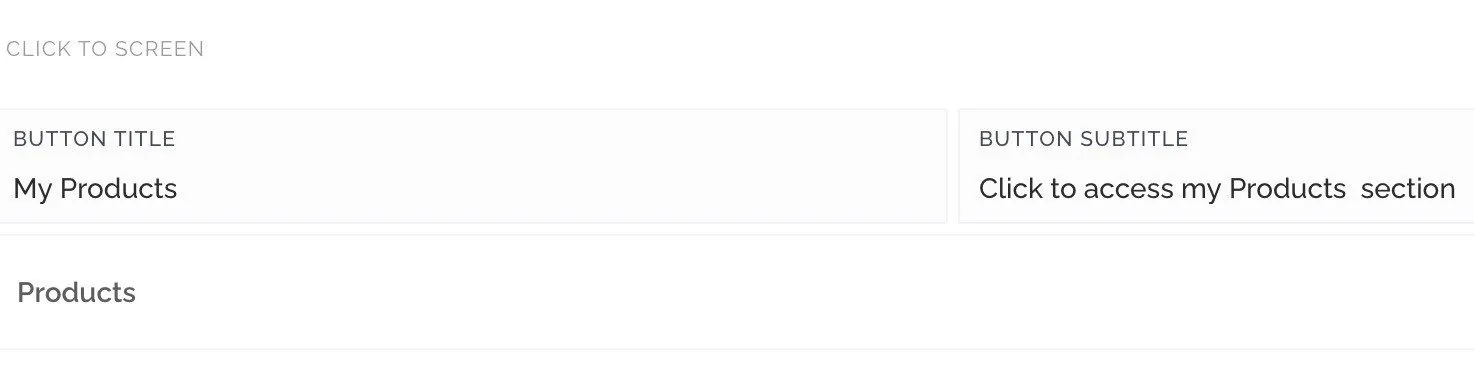
- Click to screen: a link to another screen of your app.
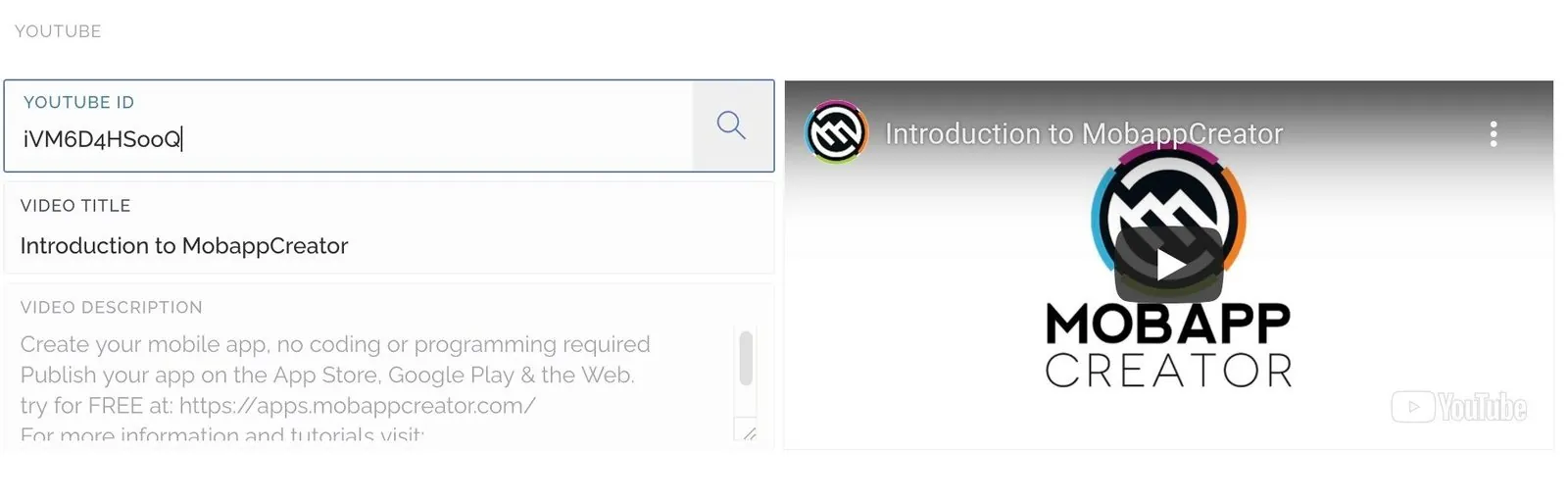
- YouTube video: paste a video URL or ID and the details are imported automatically.
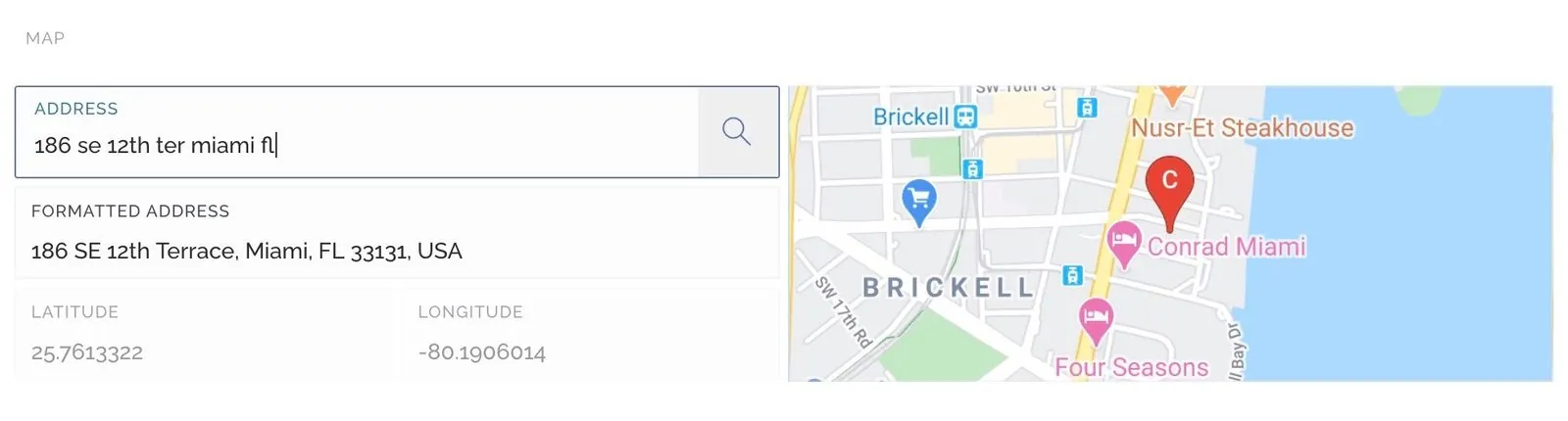
- Map location: a place, with directions in the app.
- MP3 audio: supplemental audio or samples. There’s also a dedicated audio and podcast screen.


You can also add actions:
- Click to email
- Click to call
- Click to SMS
- Click to WhatsApp
- Click to web
- Click to app
Still need help?
Our team is happy to walk you through it.