Organize articles with categories
Let users filter your content by category.
Updated April 6, 2022
Categories help you organize your content. They appear as filters in your app’s top bar, so users can see articles or items by category.
- 1
Add categories to an article
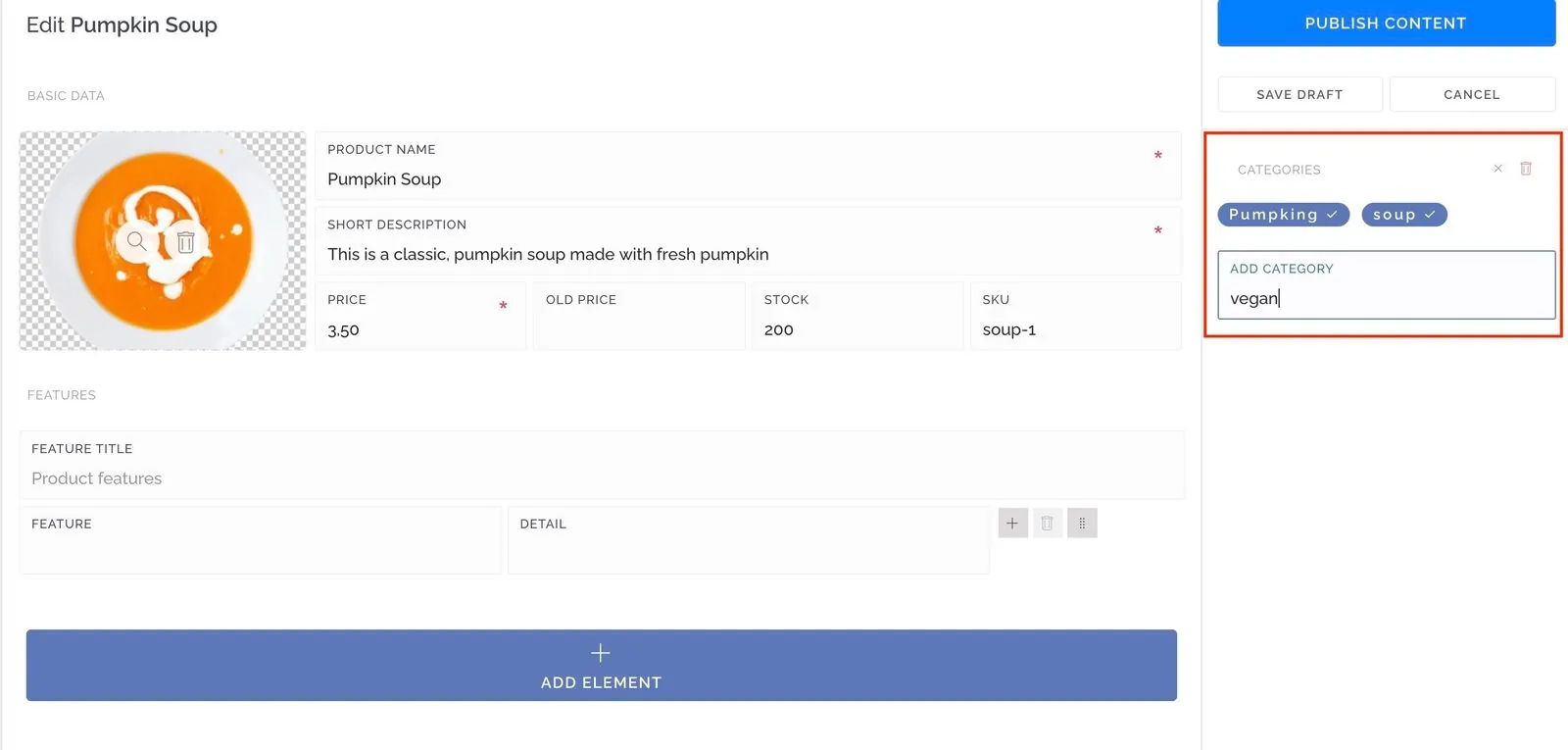
Open an article and find Categories in the right-hand panel. Type each category and press Enter.
- 2
Assign them
Click a category to turn it on or off for that article.
- 3
Turn on categories for the screen
Open the article screen’s settings and activate Categories.
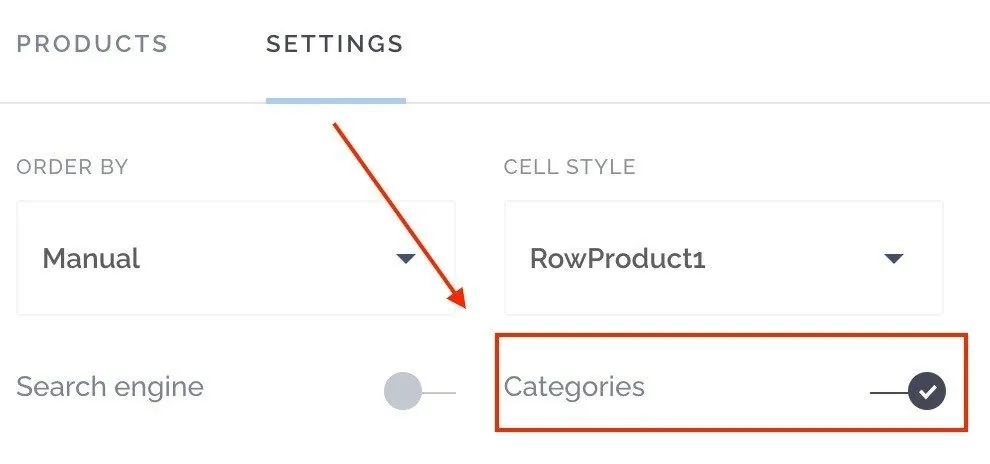
Your categories now appear in your app, and users can tap each one to filter the list.

Still need help?
Our team is happy to walk you through it.