Change how news articles are displayed
Pick the list style that best suits your app.
Updated April 6, 2022
News articles are a flexible way to show content, and there are many ways to display them.
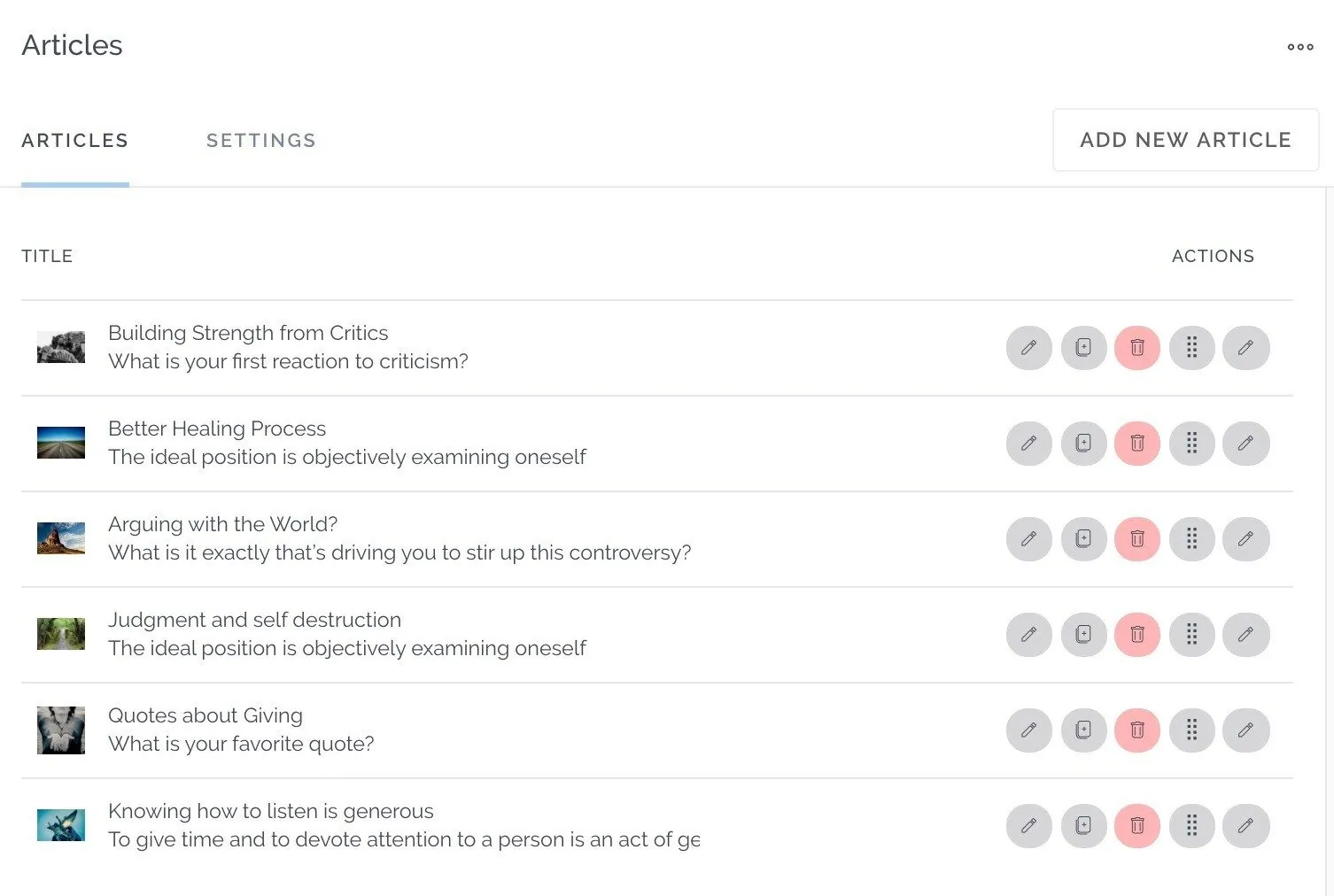
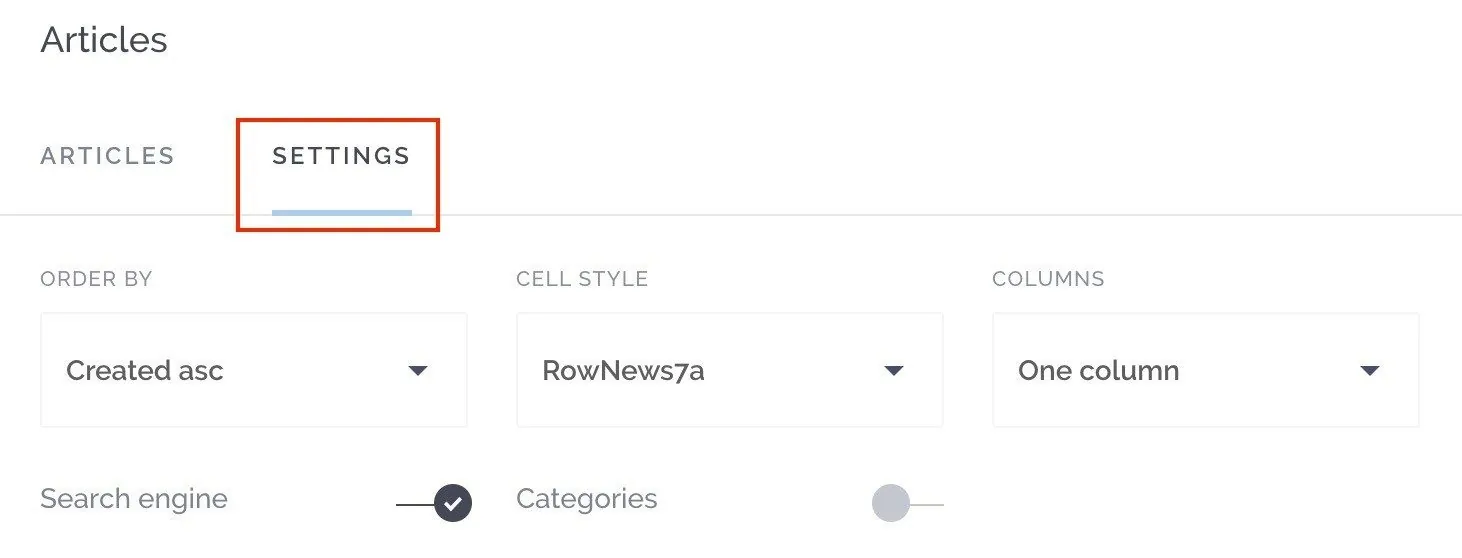
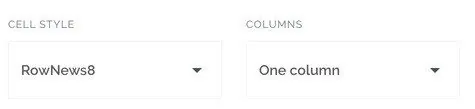
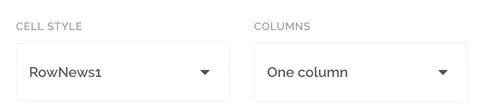
Open the screen’s Settings and use Cell Style and Columns to change how the list looks: from a simple list with thumbnails, to large image cards, to a grid of two or more columns.
Try a few combinations to find the one that fits your app’s style.




Still need help?
Our team is happy to walk you through it.